Ceramic Tile Floor - Substance Material
A ceramic tile floor is a staple of environment art and a great way to get started in Substance Designer. I wanted to make a floor that looked used, almost like one you'd find in a deli or a pizza shop.
Sometimes the simplest of materials brings the biggest enjoyment. This is a good beginner substance and has some good directional crud map generation techniques. The albedo and roughness is doing all the work for this one.


Start with a grunge. I made this grunge generator which just blends noises all kinds of crazy ways. Subtract the pattern from a color to start. Clouds 2 is a good mask. Make the blending subtle because this is crud on the floor.

Get Dirt 1, adjust levels so it's less noisy and subtract that from the albedo we're making. This creates spotty crud. Now, I don't blend everything to 1 all the time. Sometimes I do .3, sometimes .231245122312 because it's perfect.

Now for a streaky, blurry crud. Take Dirt 1, make it less noisy with levels. Max(lighten) a low res Dirt 2 so you get a mix of sharp and blurriness. I brightened the shadows on that blurry map, then used a Dirt 5 as Non-uniform blur map.

A subtle crud map is made by blending in a fractal sum base at low amounts. Use a fractal sum 2 as a blur map for Guassian spots to create a very soft drip map. Blend everything with Max(Lighten) at low amounts. Subtlety is important.

Two scratches are made and Max(Lighten)'d together. They're wobbled using Clouds 2 and a directional warp. Max(Lighten) that in.

Take a Dirt 2 from earlier, adjust levels to make it less frequent, offset it, and subtract. Then, AddSub some subtle white noise with Perlin as a mask for variance. The noise gives grit and subtle detail.

Make a tile generator that represents the tile floor layout, but give it alot of Luminance Variation. These variation masks are a staple of Substance authoring. Warp the albedo and the crud map with huge warp amount (500). Average the two with Checker.

Make a new tile generator wite the same count, but nudge the scale down a little to get the grout spacing. Seam Generator is a node I made to warp the grout lines a little bit. Multiply the lines with the tile albedo map.

Dirt collects within the tile grout lines. I took the curvature of a blurred version of it, ran Selective Dirt on it, sharpened it, and subtracted it a little bit from the albedo. This really helped get that look of dirt collecting at the corners.

Final albedo, sharpened.

The roughness was constructed by taking the greyscale masks, individually, and setting their roughness according to the underlying glossy floor. I wanted a good level of roughness and smoothness. Notice the rougher areas in the corners of the tile.
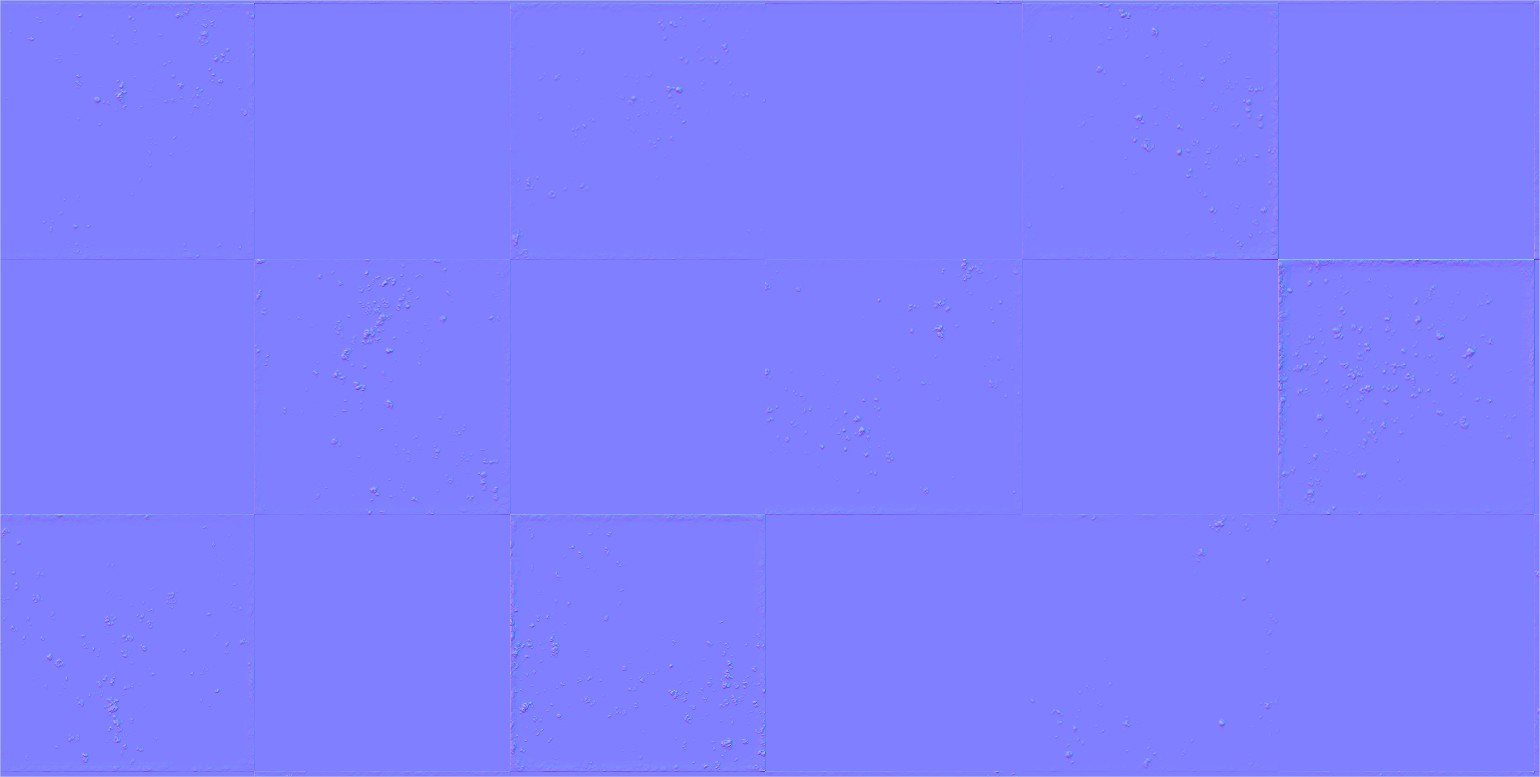
The normal was very basic. I took the Dirt 2 with the strong directional warp and multiplied it 100% with the B&W checker. I then took the tile grout crud map and multiplied a Perlin on it for variance. Both maps were made normals and normal combined.